

25 Premium Elementor Header Templates That Instantly Elevate Your Web Design

























Why These Templates Are Worth It
Professionally Designed
Each header is built with modern UX/UI principles to boost engagement and conversions.
Plug-and-Play
No coding needed. Just import, customize, and publish using Elementor.
Mobile-First Design
Fully responsive headers that look perfect on every device.
Optimized for Conversions
Smart layouts, CTA placements, and visual hierarchy to increase clicks.
Easy to Customize
Change colors, fonts, buttons, and layouts to suit your brand in seconds.
Built for Performance
Lightweight and fast load times ensure your site stays lightning-quick and SEO-friendly.
What You Get for $24.99
Get Instant Access
Just $24.99
Fill out the form below and complete your payment to download the full header bundle instantly. You'll also receive a bonus installation guide and lifetime access.
Complete Your Purchase
One-time payment • Instant download • Lifetime access
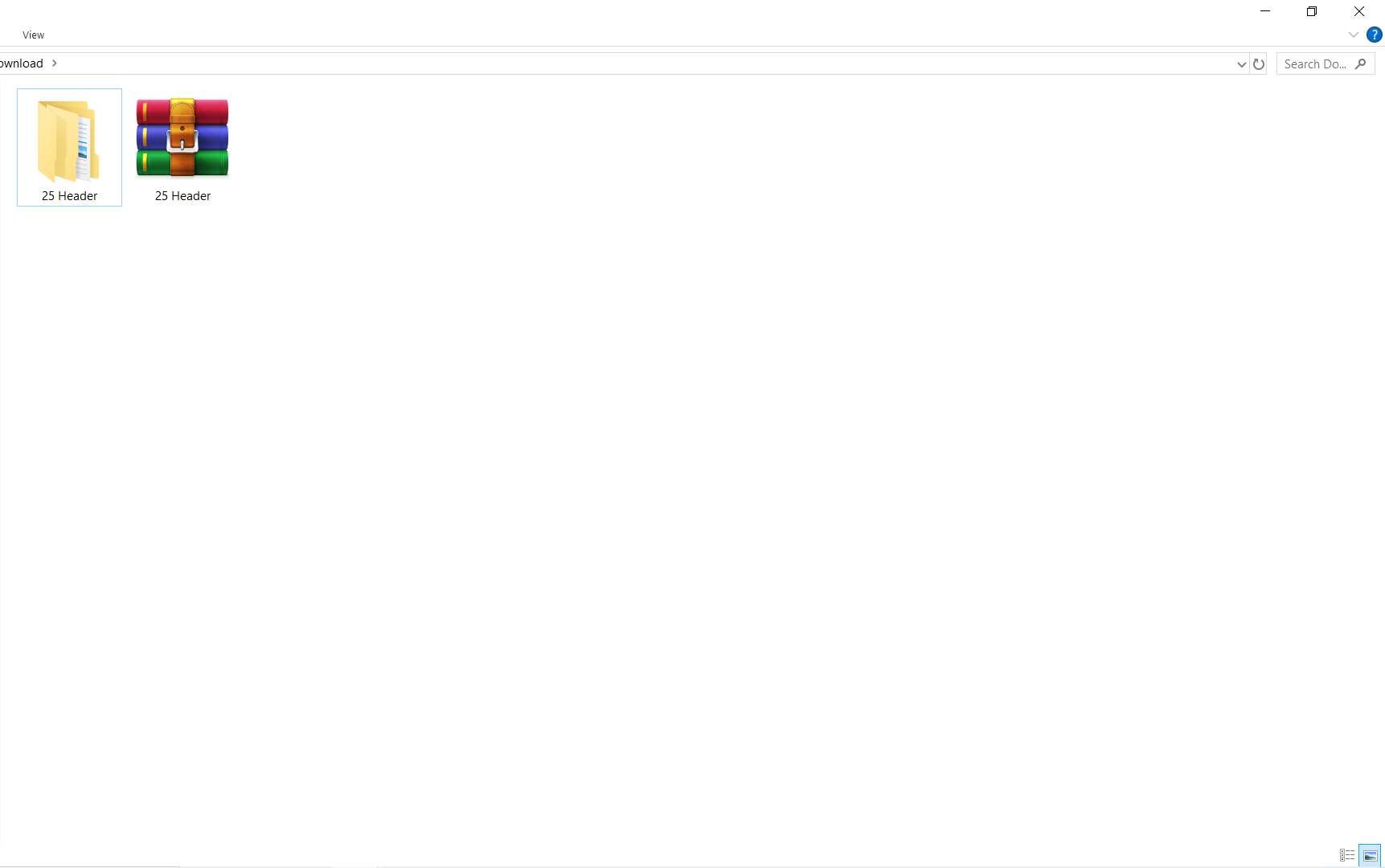
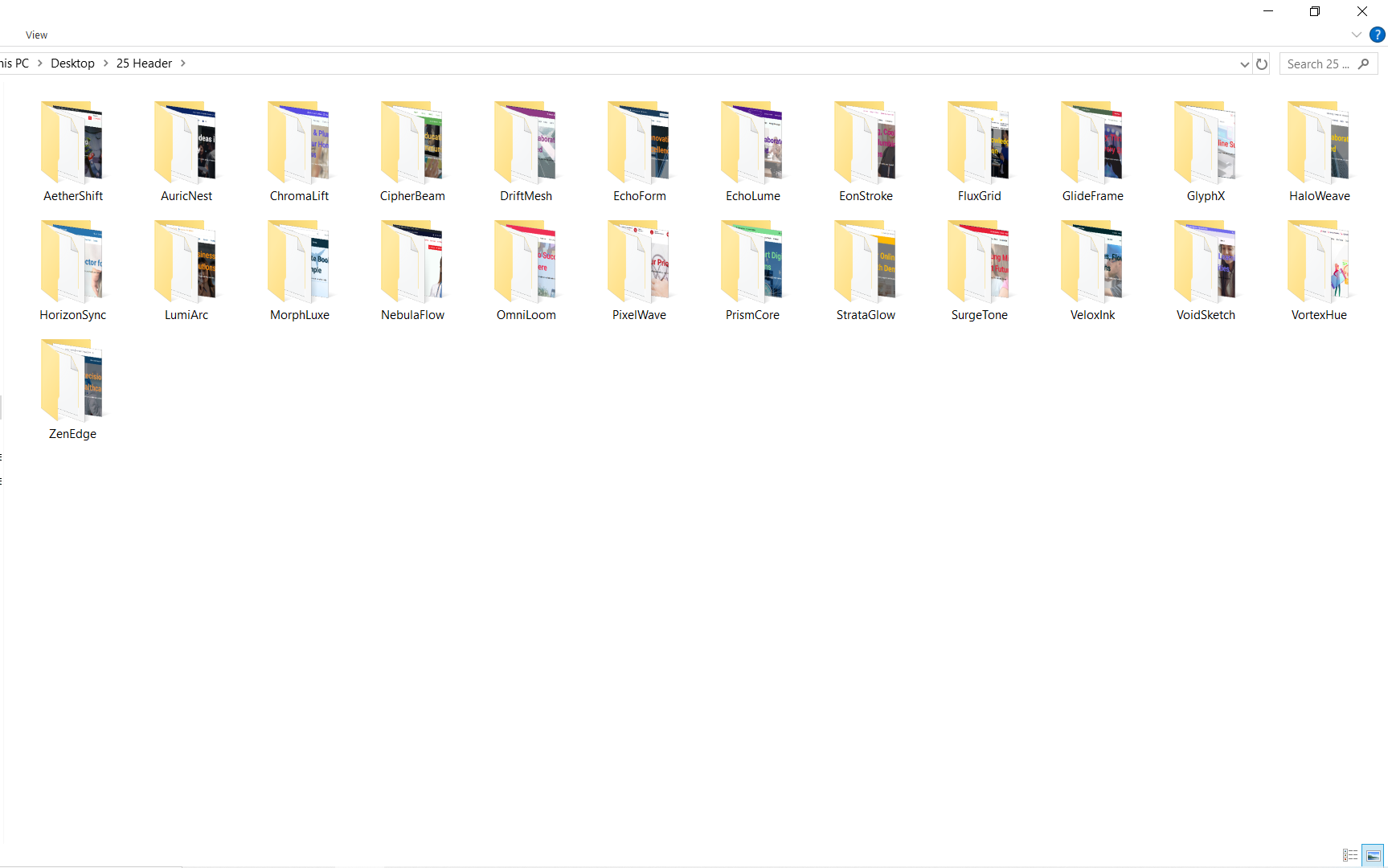
Inside Download File
FAQ
How to Download and Use Elementor Header Template Files
Step 1: Download the Header Template File
Access the Download Link:
After completing your purchase, check your email for the download link to your Elementor header template.
Download the File:
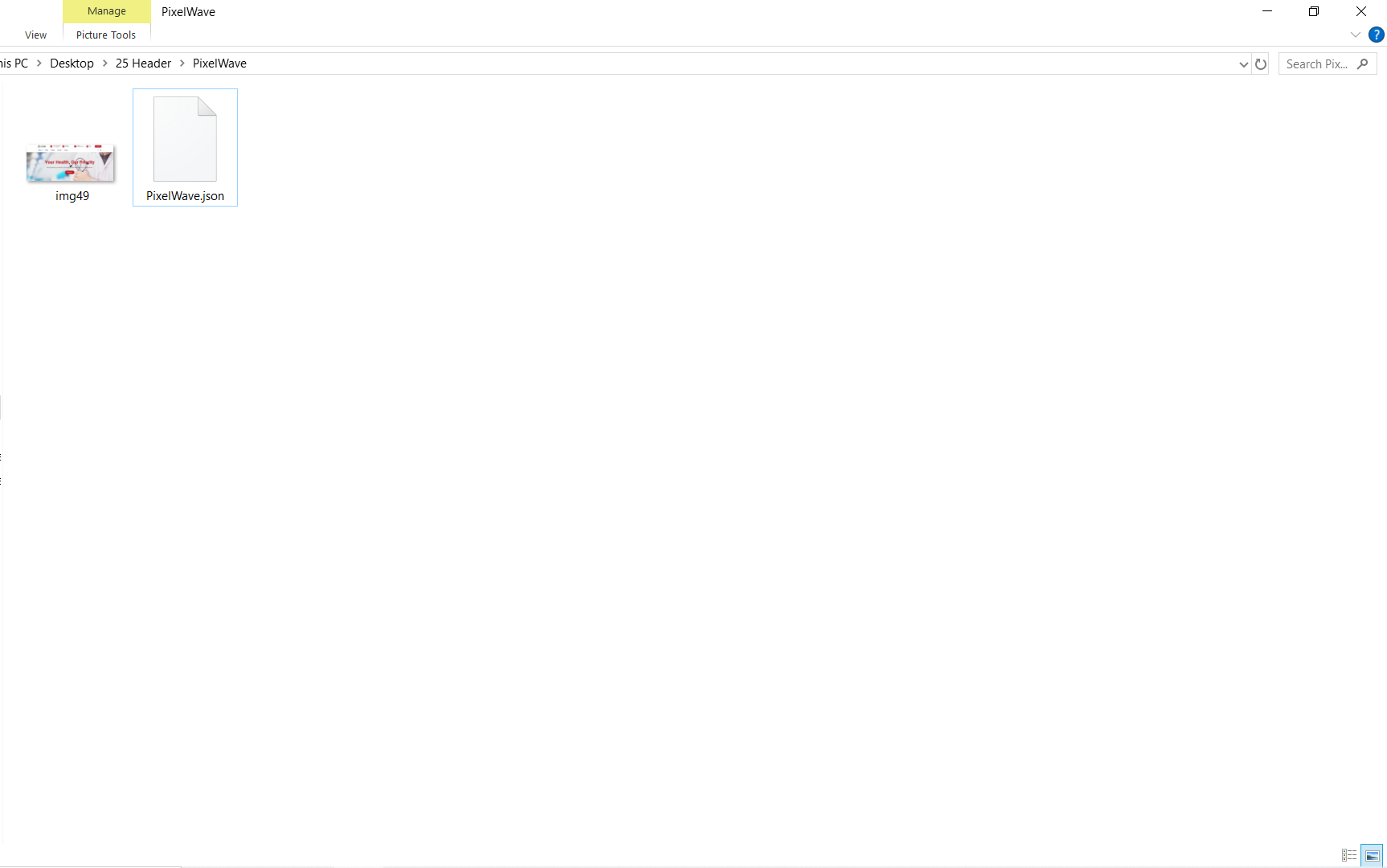
Click the download icon (usually in the top right corner) to save the .json file of the header template to your computer.
Step 2: Install Required Plugin
Install “Ultimate Addons for Elementor”:
This header template requires the plugin Ultimate Addons for Elementor (by Brainstorm Force).
To install it:
-
Log in to your WordPress dashboard.
-
Go to Plugins > Add New.
-
Search for “Ultimate Addons for Elementor”.
-
Click Install and then Activate.
Note: In some cases, this plugin might be listed as Elementor – Header, Footer & Blocks Template by Brainstorm Force.
Step 3: Import the Header Template
Navigate to Templates:
From the WordPress dashboard, go to Appearance > Header Footer Builder (provided by the plugin).
Create a New Header:
Click Add New and select Type: Header. Give it a name (e.g., “Main Site Header”).
Import the Template File:
-
Inside the editor, click Edit with Elementor.
-
In the Elementor editor, click the folder icon to open the My Templates library.
-
Click the Import Templates button at the top.
-
Choose the
.jsonfile you downloaded earlier or drag and drop it into the upload area. -
Once uploaded, click Insert to apply the template to the header.
Step 4: Assign Display Conditions
Once your header is imported and inserted:
-
Exit back to the Header Footer Builder settings.
-
Scroll to the Display On section.
-
Choose where you want this header to appear (e.g., Entire Website, Only Homepage, Specific Pages).
-
Set the User Roles if needed.
Click Publish to activate your custom header site-wide or on selected pages.
Step 5: Customize & Save
After inserting the template, you can fully customize it using Elementor’s drag-and-drop editor. Adjust logos, menus, styling, and responsive settings as needed.
Once you're happy with the changes, click the “Update” button to save your customized header.
That's it! You've successfully downloaded, imported, and activated your Elementor header template using Ultimate Addons for Elementor.